🎉 Early Bird Special: Get 50% OFF with code sahl50 — Unlimited Tickets & Agents for the first 50 stores!

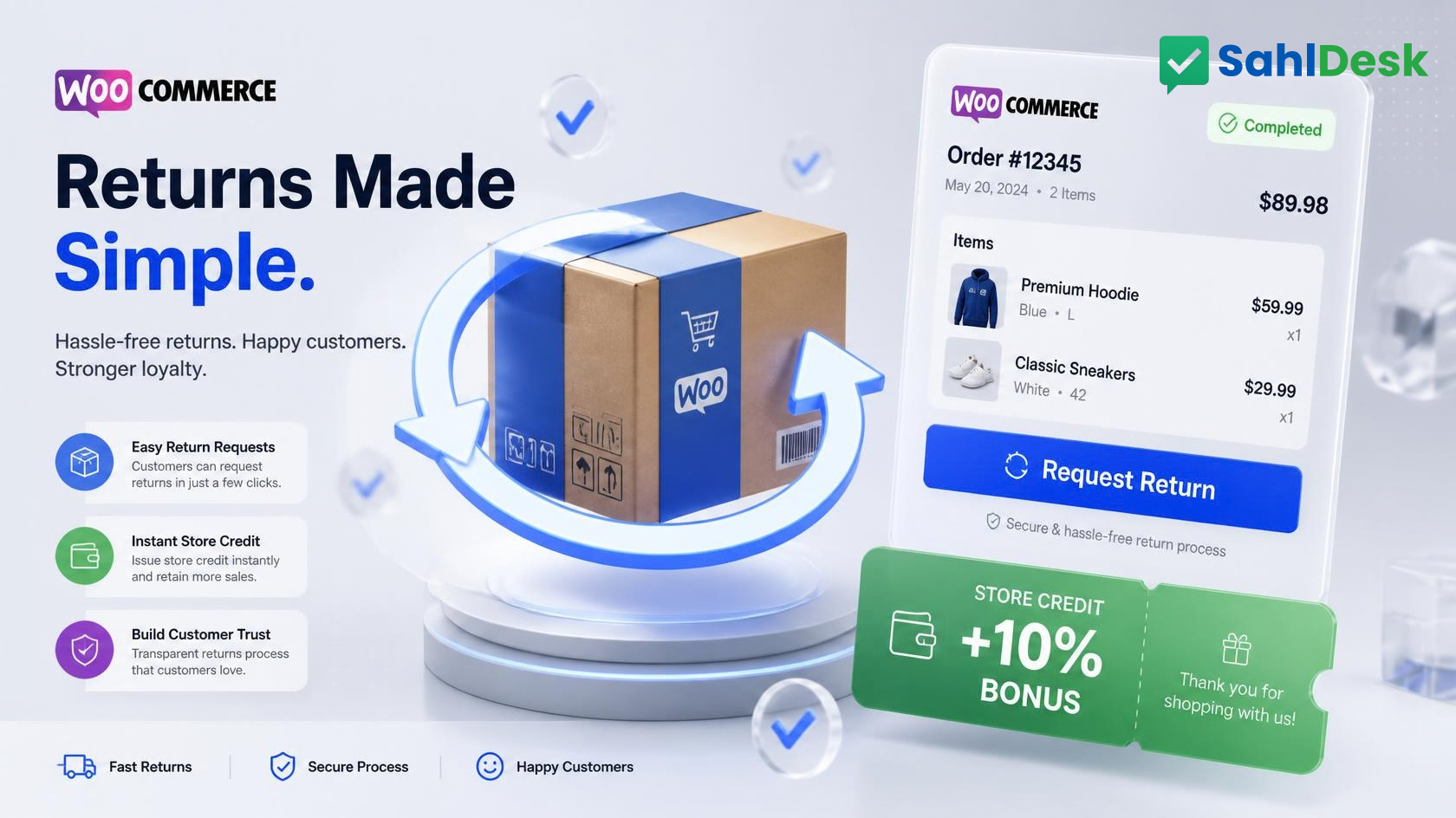
How to Set Up a 1-Click WooCommerce Return & Exchange System (Without Losing Your Profit Margin)
Returns are the silent killer of e-commerce profitability.
For modern online retailers—especially in fashion, apparel, and consumer electronics—return rates often hover between 20% and 35%. When you factor in two-way shipping costs, repackaging, customer support back-and-forth, and lost inventory velocity, a poorly managed return process can easily wipe out your net margins.
Yet, most WooCommerce stores still manage returns manually.
A customer sends a DM on Instagram, an unformatted email to a generic info@ inbox, or a message to a staff member's personal WhatsApp. What follows is a multi-day game of phone tag: checking tracking numbers, asking for photos, verifying bank account details, and manual order lookups.
Here is a blueprint for transforming chaotic return logistics into a frictionless, automated return management system that protects your revenue and keeps customers coming back.
The Hidden Costs of Manual Returns
Return Management Metric | Manual / Fragmented Process | Automated 1-Click RMA System |
|---|---|---|
Customer Request Friction | High (Emails, phone calls, DMs) | Low (1-Click button inside "My Account") |
Average Processing Time | 3 to 7 Days | Under 24 Hours |
Support Workload | 90%+ Pure Cash Refunds | 45%+ Converted to Store Credit / Exchanges |
Support Workload | 6+ Messages per Return Request | 1 Structured Ticket with Full Order Context |
Fraud & Abuse Risk | High (Unverified requests & lost receipts) | Low (Strict validation against order status) |
The 3 Fatal Flaws of Traditional Return Workflows
1. The "Contact Us to Return" Trap
Forcing customers to hunt down an email address or submit a generic contact form creates immediate resentment. Over 84% of shoppers state they will not buy again from a merchant with a difficult return policy. When the return experience is painful, you don't just lose the return fee—you permanently lose the customer's lifetime value (LTV).
2. Context Switching for Support Teams
When an agent receives a message saying, "I want to exchange my shoes for a larger size," they usually have to:
- Search WooCommerce for the customer’s name or email.
- Find the relevant order ID among previous purchases.
- Check the order date to verify whether it falls within the return window.
- Manually draft return instructions.
This manual lookup wastes 10–15 minutes per inquiry and introduces costly human errors.
3. Immediate Liquidity Drain (Refunds Over Exchanges)
When merchants manage returns manually, the default path of least resistance is issuing a full cash refund. Without an automated workflow that incentivizes exchanges or offers store credit, your business experiences a direct cash outflow instead of preserving liquidity.
4 Essential Steps to Automate WooCommerce Returns
Step 1: Place a Native Return Button on the Customer's Order History
Customers shouldn't have to explain what they bought. Integrate a native "Request Return / Support" button directly on the customer’s WooCommerce My Account ➔ Orders page and on their order confirmation view.
When clicked, the system should automatically pass the order_id, customer email, and purchased line items directly into a structured return request form.
Step 2: Capture Structured Return Reasons Upfront
Eliminate back-and-forth messaging by requiring the customer to choose a standardized reason during submission:
- Wrong size / Fit issue
- Defective or damaged item (with mandatory photo attachment upload)
- Item not as pictured
- Changed mind
By structuring this data upfront, your team can automate approvals based on pre-set store policies.
Step 3: Incentivize Store Credit to Preserve Cash Flow
Instead of defaulting to full cash refunds, offer customers an immediate alternative:
"Choose an instant store credit voucher with a +10% bonus value, or proceed with a standard bank refund."
Store credit turns a potentially lost customer into an immediate repeat purchaser, keeping the initial sale revenue inside your business.
Step 4: Sync Return Statuses Directly with Your Unified Helpdesk
Your support team should never manage returns in a silo. When a customer initiates a return request, it should instantly generate an organized ticket inside your central customer support inbox, displaying the order items, status, and tracking number side-by-side with the customer's message.
How SahlDesk Simplifies WooCommerce RMA Management
Traditional return plugins for WordPress are often bulky, expensive, and clutter your database with complex custom post types.
SahlDesk provides a streamlined, lightweight approach to return merchandise authorization:
- Native WooCommerce Integration: Adds a clean, customizable return request button inside My Account ➔ Orders and the admin order panel.
- Side-by-Side Context: Agents see the exact order line items and customer history attached directly to the return ticket.
- Zero Database Overhead: Ticketing logic runs on high-performance cloud infrastructure, keeping your WooCommerce store fast and 100% cache-friendly.
- True Bilingual Support: Works out of the box in both Arabic (RTL) and English.
Turn Return Logistics into a Retention Engine
Returns don't have to be a drain on your bottom line. By giving customers an effortless, 1-click return experience and offering smart exchange alternatives, you can protect your margins, reduce support tickets by 60%, and build lasting customer trust.
Ready to automate customer support and returns on your store?
Ready to Transform Your Store's Customer Support?
Join growing WooCommerce merchants using SahlDesk to deliver faster, smarter customer support.
Email: help@sahldesk.com
Phone: 01010009460
© 2026 SahlDesk. All rights reserved.